
Bluetooth versions, audio codecs, sound, and battery
Ads
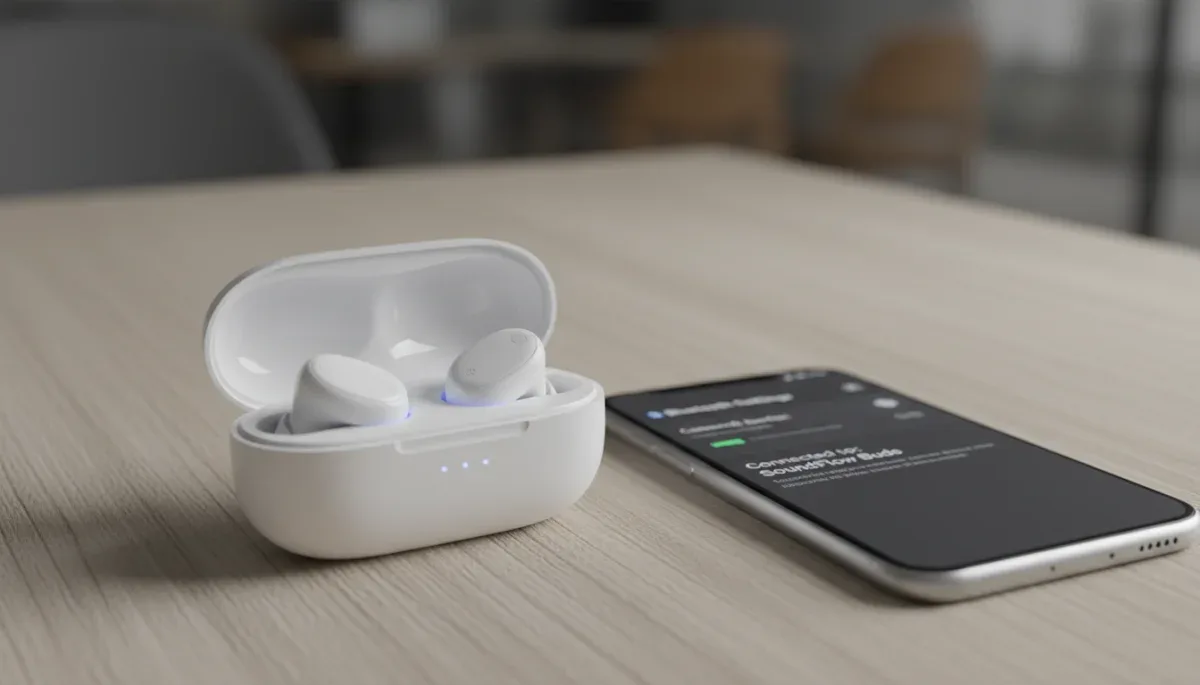
Bluetooth versions and audio codec compatibility work together to determine how clear your wireless audio sounds, how long your earbud battery lasts, and whether video dialogue syncs with actors speaking on screen. When you buy budget wireless headphones or portable speakers online, matching the transmission capabilities of your smartphone with the receiving chip in your audio device is the single most effective way to avoid muffled sound and frustrating connection dropouts.
Ads
This technical breakdown helps shoppers who purchase affordable wireless accessories identify which specifications deliver reliable playback and which marketing claims add unnecessary cost without real-world benefit. The catch is that newer wireless standards never improve your audio quality automatically unless both your media player and your headphones share support for the exact same high-efficiency software instructions.
Ads
The difference between Bluetooth hardware versions and audio codecs
A Bluetooth version represents the physical hardware generation of the wireless radio built into your smartphone, laptop, or wireless earbuds. Generations such as version 4.2, 5.0, 5.2, 5.3, and 5.4 define the radio range, signal stability, data transmission bandwidth, and basic power efficiency of the connection. Upgrading to a device with a modern radio standard helps maintain a stable signal through walls or crowded shopping malls, but the version alone does not dictate the musical clarity of the track you stream from your music library.
An audio codec, short for coder-decoder, is the software language that packages sound on your phone and unpacks it inside your headphones. Because raw digital audio files are too large to stream smoothly across short-range wireless radio frequencies, the transmitter must compress the file into small digital packets and transmit them instantly. The specific codec chosen by your operating system decides how much musical detail is discarded during compression, how quickly the sound reaches your ears, and how hard the internal processors must work on both ends of the connection.
If you connect a smartphone with the newest radio generation to earbuds supporting the same radio standard, they still rely on older, lower-resolution transmission languages unless higher-tier software packages are explicitly licensed on both components. Shopping by the radio generation number printed on an electronic gadget package only gives you half of the performance equation. To predict audio performance accurately, you must inspect the list of supported codecs alongside the radio version.
Key distinctions between radio hardware and audio software
- Radio versions govern physical transmission range, interference resistance, broadcast stability, and connection handshakes.
- Codecs determine digital file compression algorithms, bitrates, frequency sampling ceilings, and audio processing latency.
- Higher radio versions provide the bandwidth highway, while codecs represent the cargo vehicles traveling across that path.
- A mismatch in software support forces devices to drop back to basic defaults regardless of advanced hardware capabilities.
Common Bluetooth codecs and their real-world sound signatures
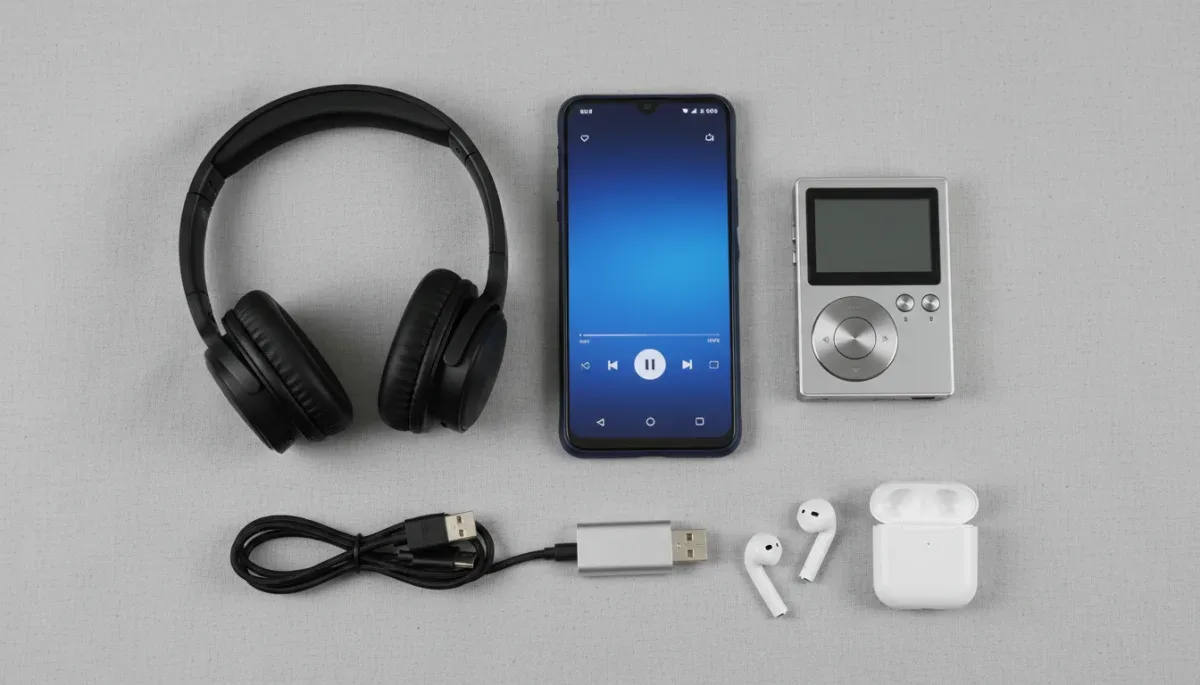
The standard baseline codec for all basic wireless audio hardware is Subband Coding, universally known as SBC. Created as a mandatory requirement for the Advanced Audio Distribution Profile within the Bluetooth specification, SBC ensures that every wireless headphone can communicate with every audio source. While SBC operates reliably across low-power microcontrollers, it features aggressive compression algorithms that can introduce digital artifacts or noticeable high-frequency harshness when transmitting complex musical arrangements.
Advanced Audio Coding, or AAC, is the preferred transmission format for Apple hardware, including iPhones and iPads, and is widely implemented across mid-tier and budget Android mobile devices. AAC uses psychoacoustic modeling to compress files with higher perceptual fidelity than SBC at comparable bitrates. On iOS devices, AAC encoding is remarkably efficient because the operating system processes files in native formats without redundant conversion stages. However, budget Android hardware can exhibit inconsistent AAC encoding quality due to varying manufacturer implementations of audio drivers and power management algorithms.
Qualcomm created the aptX family of proprietary software to provide higher transmission bitrates and lower latency across consumer electronics. Standard aptX maintains a steady stream of musical data, while aptX Adaptive automatically scales its transmission rate based on radio interference levels in your environment. Sony developed LDAC to transmit high-resolution audio up to 990 kilobits per second, which allows listeners to enjoy detailed studio tracks over wireless connections provided the radio environment remains exceptionally clear of physical and digital obstructions.
Popular wireless transmission formats compared by everyday performance
- SBC delivers universal device interoperability with moderate acoustic fidelity and variable latency between 150 and 250 milliseconds.
- AAC provides clean, balanced frequency reproduction for streaming services on mobile operating systems optimized for native decoding.
- aptX maintains consistent musical dynamics and predictable transmission timing across compatible personal computers and mobile phones.
- LDAC transmits high-resolution studio master files with subtle ambient detail but demands strong radio reception to avoid dropouts.
How codec processing intensity impacts earbud battery life
Wireless earbuds contain tiny lithium-ion batteries that often hold between 30 and 60 milliampere-hours of electrical capacity inside each stem or earpiece. Because physical space is limited inside compact in-ear housings, every microchip component must draw the smallest possible amount of electrical current during active playback. The computational complexity of the active codec directly influences how many calculation cycles the digital signal processor must run every second to decode incoming audio packets into analog sound waves.
High-resolution codecs like LDAC and older uncompressed streaming modes require significant processing power, which drains tiny earbud batteries far faster than lightweight algorithms. When decoding high-bitrate LDAC streams running at 990 kilobits per second, wireless headphones must execute rapid error correction and complex math operations continuously. Manufacturer specification sheets often show that an earbud capable of delivering seven hours of continuous playback using standard AAC drops down to four or five hours when operating in high-resolution LDAC playback mode.
Conversely, basic SBC decoding demands minimal processing energy from budget audio chipsets. Modern microcontrollers can decode low-bitrate SBC packets using simple register operations that barely raise the internal chip temperature. For daily podcast listening, phone calls, or spoken-word audio, running a lightweight codec conserves battery reserves without causing audible compromises, allowing budget electronics to match or exceed the runtime claims listed on their retail boxes.
Factors that alter wireless power consumption during media playback
- Processor calculation cycles spike significantly when decoding complex multi-layered acoustic files at elevated bitrates.
- Digital packet retransmissions triggered by wireless interference force the receiver chip to keep its high-power radio active longer.
- High transmission bitrates prevent the wireless modem from entering micro-sleep sleep states between incoming audio frames.
- Simultaneous digital signal processing tasks like active noise cancellation multiply the base battery draw of audio decompression.
The impact of latency on streaming video and mobile gaming
Audio latency refers to the delay between the exact moment an audio signal is generated by an application on your phone and the millisecond that sound vibrates the speaker diaphragm inside your ear. When listening to recorded songs, a delay of 200 milliseconds is completely invisible because your brain has no visual anchor point to compare against the sound. However, when watching movies or playing mobile video games, an audio lag over 100 milliseconds breaks lip synchronization and makes fast action scenes feel disconnected from their visual cues.
Standard SBC and basic AAC configurations typically introduce between 150 and 300 milliseconds of transmission latency under normal operating conditions. Mobile video streaming platforms like YouTube and Netflix compensate for this lag by automatically delaying video frames on your screen to match the lagging wireless audio feed. This software adjustment creates perfect lip sync during passive movie watching, but it cannot solve interactive delays where the visual output depends on real-time touchscreen taps or button presses.
Mobile gamers and musicians require low-latency solutions like aptX Low Latency or proprietary gaming modes built into budget earbud chipsets. These specialized operating states sacrifice a minor amount of acoustic resolution in exchange for smaller buffer sizes and immediate packet transmission, dropping audio delay down to roughly 40 to 80 milliseconds. When shopping for gaming accessories on affordable online marketplaces, verifying that the product includes a dedicated low-delay gaming mode is far more important than buying the newest physical Bluetooth hardware number.
Signs that your current wireless configuration is suffering from high latency
- Actors on video podcasts appear to finish speaking a fraction of a second before their spoken dialogue stops playing.
- Action game sound effects such as footsteps or tool strikes sound noticeably delayed after on-screen button presses.
- Keyboard typing clicks lag behind your physical fingers while typing text messages on mobile touchscreen displays.
- Audio pauses abruptly and skips forward when switching rapidly between different video clips on social media apps.
The role of Bluetooth 5.2, 5.3, and LE Audio with LC3
The introduction of Bluetooth 5.2 marked a fundamental shift in wireless audio architecture through the release of the Low Energy Audio standard, commonly called LE Audio. Before this standard arrived, all wireless audio was routed through the legacy Bluetooth Classic protocol, leaving Bluetooth Low Energy exclusively for fitness trackers, smart home sensors, and computer mice. LE Audio allows devices to stream continuous, high-fidelity sound using a fraction of the electrical current required by older wireless connections.
At the center of LE Audio is the Low Complexity Communication Codec, abbreviated as LC3. Developed by the Fraunhofer Institute for Integrated Circuits alongside the Bluetooth Special Interest Group, LC3 was designed to replace basic SBC as the foundational baseline across all modern wireless equipment. Published technical evaluations demonstrate that LC3 delivers noticeably clearer acoustic fidelity at half the transmission bitrate of legacy SBC, while maintaining rock-solid signal stability even in environments dense with competing radio signals.
Bluetooth versions 5.3 and 5.4 refine this framework by introducing smarter connection subrating, faster channel classification, and improved encryption handling. These hardware enhancements allow budget wireless accessories to switch seamlessly between low-power standby modes and active music streaming without dropping audio frames. If you plan to buy affordable wireless electronics that remain compatible with modern smartphones over the next several years, verifying that the product specification sheet mentions Bluetooth 5.2 or higher alongside LE Audio readiness is an excellent way to future-proof your purchase.
Practical benefits delivered by modern LE Audio hardware implementations
- Auracast broadcast capability allows a single television or public transmitter to broadcast audio to unlimited nearby receivers.
- Independent stereo streaming transmits discrete audio channels to each earbud simultaneously, eliminating master-slave synchronization lag.
- Reduced processor workloads yield longer active runtimes from lighter, more comfortable earbud battery capsules.
- Enhanced packet error concealment prevents sudden loud pops or squeaks when walking near the outer limit of your wireless range.
How to match your smartphone specs with budget audio gear
A wireless audio connection is strictly limited by the lowest shared capability between the two connected devices. If you buy wireless headphones that support LDAC or aptX Adaptive, but you pair them with an Apple iPhone, the connection will negotiate down to AAC because iOS does not license proprietary Qualcomm or Sony audio codecs. You gain no acoustic benefit from the specialized hardware inside those headphones while paying an added retail premium for licensed chipsets that remain completely dormant during daily use.
Android smartphone owners have broader codec flexibility, but performance depends on the processor brand and operating system version installed on their specific handheld device. In the United States, popular Android phones running modern software generally support SBC, AAC, aptX, and LDAC right out of the box. You can verify your active connection format by enabling Developer Options within Android system settings, navigating to the networking menu, and viewing the active audio codec profile while your headphones are playing music.
When browsing budget electronics on discount shopping platforms, prioritize listings that plainly state codec specifications rather than generic phrases like high-definition sound or lossless wireless clarity. Legitimate manufacturers clearly list SBC, AAC, or specific proprietary formats on their packaging and product manuals. Knowing the exact capabilities of your mobile phone enables you to purchase budget accessories that maximize your device potential without wasting money on incompatible hardware features.
A simple checklist for inspecting wireless gadget product listings
- Confirm whether your daily smartphone operating system natively supports the exact codec highlighted on the product page.
- Check whether your preferred streaming platform delivers audio bitrates high enough to justify specialized codec hardware.
- Look for explicit confirmation of AAC support if you use an iPhone, as uncertified budget buds often revert to basic SBC.
- Verify return window policies on the merchant site in case the wireless chip produces unexpected connection instability on your phone.
At a glance
| Factor | What to know |
|---|
Frequently asked questions
Does a higher Bluetooth version automatically make music sound better?
No, a higher hardware version does not improve music clarity by itself. Newer radio revisions expand connection range and improve battery efficiency, but audio resolution is determined entirely by the active audio codec shared between your playback device and headphones.
Can I use LDAC or aptX codecs with an Apple iPhone?
No, iPhones do not support proprietary aptX or LDAC audio transmission protocols. Apple devices encode wireless audio using standard SBC or AAC, meaning headphones featuring other proprietary standards will automatically step down to basic AAC or SBC when connected to iOS.
Why does high-resolution audio drain earbud batteries faster?
High-resolution streams require continuous mathematical calculations to decompress dense digital audio packets in real time. This elevated computational workload forces internal digital signal processors to draw significantly more electrical current from small earbud batteries, shortening your overall listening time between charges.
How can I check which codec my mobile device is currently using?
Android users can inspect active connections by opening Developer Options in system settings and reviewing the Bluetooth Audio Codec submenu while streaming music. iPhone users cannot view codec menus manually, as iOS automatically manages AAC and SBC connections in the background.
The bottom line
Matching your wireless headphones to the exact transmission formats supported by your primary playback device is the most reliable way to secure crisp audio, stable video synchronization, and dependable battery performance. Rather than paying extra for advanced radio version numbers or high-resolution marketing labels, check the technical specification sheet on your mobile phone to see which codecs it natively supports before buying new wireless audio gear.
Written by
Maria Eduarda
Maria Eduarda writes about discounts, house and electronics for onlyshein.com. Each article explains how things work, compares published details such as prices, policies and program rules, and points readers to the official source before they decide.