
Comparing retail price tracking tools for holiday deals
Ads
Retail price tracking tools show the historical cost of items across major online merchants so buyers can tell real markdowns from deceptive markups. Setting up these tools before holiday sales arrive helps you spot baseline pricing, avoid manufactured urgency, and purchase items only when price drops meet your personal threshold.
Ads
This comparison helps online shoppers navigating major sales events across domestic electronics, fashion, and home goods merchants. The catch is that every category of tracking software carries trade-offs between coverage, notification speed, and browser privacy permissions that you must manage directly.
Ads
How retail price tracking tools monitor discount claims
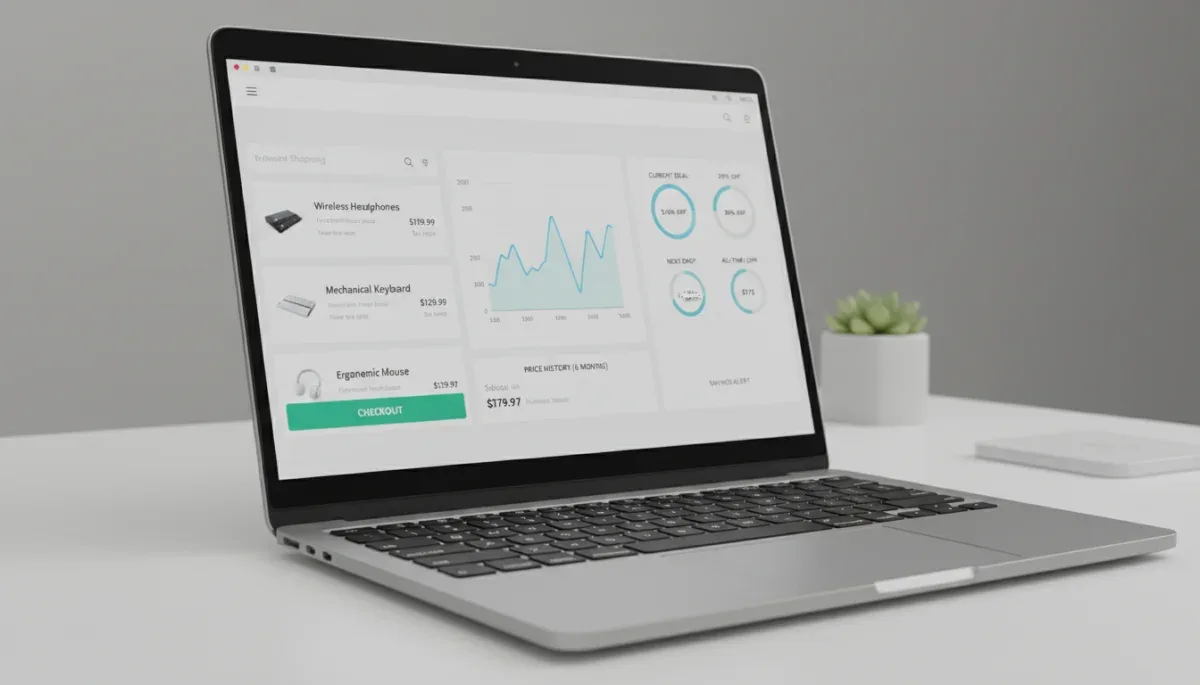
Retail price tracking tools operate by periodically reading product pages and recording numerical values into centralized databases. When an item is cataloged, the software logs changes across weeks, months, or years, displaying that data as an interactive timeline. This setup gives shoppers context that static product listings withhold, revealing whether an advertised discount represents a true discount or an everyday baseline price.
Understanding these mechanisms is essential because online retailers frequently use dynamic pricing algorithms. These algorithms adjust product costs multiple times per day based on competitor inventory, browsing demand, and seasonal calendars. When an item appears on sale, the reference figure shown next to the markdown is often the manufacturer suggested retail price rather than the actual price charged during the preceding weeks.
Core tracking mechanisms used across popular platforms
- Server-side web scraping: Centralized servers query product listings at regular intervals to capture changes without requiring your computer to remain active.
- Direct merchant application programming interfaces: Authorized data feeds pull pricing records directly from inventory systems, offering high accuracy for listed partners.
- Crowdsourced browser logging: Free browser extensions collect real-time data directly from the pages users visit, updating central logs whenever someone views a product.
Independent tracking platforms compile these points into clean visualizations. When you look at an item that claims a forty percent markdown, a quick review of the corresponding timeline often shows that the product traded at the exact same lower price for several consecutive months before the promotional banner was added.
Dedicated Amazon trackers and historical price charts
Dedicated single-merchant monitors focus almost entirely on Amazon, offering deep historical records that cover third-party sellers, warehouse deals, and direct retail listings. Platforms such as CamelCamelCamel and Keepa represent the two most established examples in this category. They provide extensive records for nearly every listing that carries an Amazon Standard Identification Number.
CamelCamelCamel operates primarily as an accessible web portal where users paste product web addresses to review historical charts. It tracks third-party used, third-party new, and Amazon-sold listings as distinct lines on a single chart. Users can configure automated email notifications when an item drops below a specified target dollar amount without installing persistent software on their devices.
Keepa provides similar timeline data but focuses heavily on deep browser integration. Its extension injects comprehensive graphs directly beneath the product photos on standard Amazon desktop pages. These charts detail lightning deals, buy box ownership shifts, inventory levels, and historical price movements across multiple years. However, while Keepa offers free baseline charts, several advanced features, such as specific drop alerts and comprehensive data export, require a paid recurring subscription at the time of writing.
These single-store tools excel at depth, but they do not compare prices across competing external merchants like Target or Walmart. Shoppers who rely solely on them must manually verify whether an alternative retailer offers a superior deal on an identical item.
Multi-store browser extensions and automated coupon finders
Multi-store extensions, including PayPal Honey and Capital One Shopping, function across hundreds of retail websites simultaneously. Instead of focusing solely on one merchant, these tools monitor product codes, universal product numbers, and title descriptions to identify identical products stocked across multiple online stores.
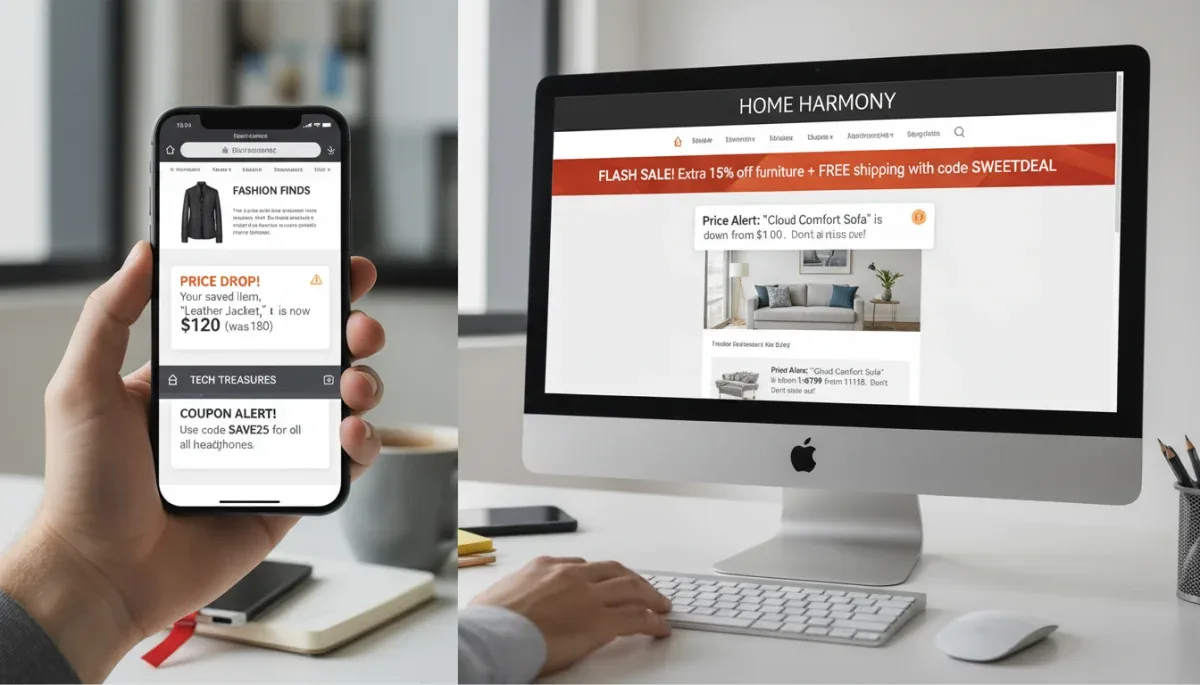
When you navigate to a supported store, these add-ons pop up automatically to alert you if another retailer currently lists the same item for less. They also maintain internal records of product prices over thirty to ninety days, providing a broad snapshot of whether the price has recently trended upward or downward. At checkout, they can test stored promotional codes against your cart in an attempt to trigger automatic discounts.
Advantages of multi-store browser add-ons
- Automatic cross-merchant comparison: Identifies inventory at competing domestic stores without requiring manual searches.
- Checkout code automation: Runs algorithmic tests on crowdsourced promotional codes before payment processing.
- Universal price drop watchlists: Gathers desired products from different stores into a single monitoring dashboard.
The limitation of multi-store platforms is their depth. Because they cover thousands of distinct websites, their historical price logs are rarely as complete as those from single-store monitors. A graph may show only three or four recorded data points over thirty days, which can obscure short-lived promotional windows or temporary markups that occurred between scans.
Search engine aggregators and direct merchant alerts
Search engines and catalog aggregators offer a lightweight alternative that requires no browser extensions or account creation. Google Shopping features built-in price tracking utilities directly within its search results, allowing users to toggle an alert switch next to eligible commercial products when signed into a personal Google account.
The service scans verified store feeds across major chains, local merchants, and manufacturer storefronts. When a price decline registers on a merchant feed, the service sends an alert via email or mobile notification. Google Shopping also displays an aggregate typical price bracket, telling buyers whether the current median price across all tracked retailers sits high, low, or within normal seasonal boundaries.
Merchant-specific customer accounts also feature native notification tools. Retailers like Target, Best Buy, and Walmart allow consumers to save items to personal digital registry lists or saved-for-later folders within their official mobile applications. These native applications can notify shoppers directly of price reductions, clear stock changes, or member-exclusive sales events.
The primary drawback of search aggregators is their reliance on merchant feeds. If a retailer fails to update its catalog feed promptly, or if third-party marketplace sellers flood the catalog with incorrect model variants, the reported price history can show temporary anomalies or link to out-of-stock listings.
Data privacy and browser permissions during checkout
Installing any retail price tracking tool requires careful attention to browser security permissions. Most shopping extensions request permission to read and change all your data on the websites you visit. This elevated level of access is technically necessary for the software to detect which product page you are viewing, extract product identifiers, and test promotional codes inside digital checkout forms.
However, granting full page access means the extension provider can theoretically observe your browsing habits, page visits, and item preferences across the internet. Free extensions typically monetize their services by embedding affiliate tracking parameters into outbound links. When an extension applies a working coupon code, it frequently replaces existing affiliate tracking tags with its own, collecting a percentage commission from the merchant on the resulting sale.
To balance utility with digital privacy, shoppers can adopt specific usage safeguards:
- Use secondary browser profiles: Install shopping extensions inside an isolated browser profile reserved exclusively for retail research, leaving your primary browser free of extensions.
- Review data sharing policies: Read the official privacy statements published by tool developers to check whether they sell anonymized consumer browsing data to advertising brokers.
- Disable add-ons during sensitive transactions: Turn off shopping extensions when visiting banking, healthcare, or personal email portals to prevent data collection outside shopping sessions.
Standalone web portals that do not require software installation present no browser permission risks. Using website-based search bars to paste product links avoids background tracking entirely, though it forfeits automatic in-page alerts.
Spotting artificial markups and deceptive sale timers
Price tracking tools are particularly valuable for identifying common promotional tactics used during major retail holidays. One widespread strategy involves an artificial markup, where a retailer raises the baseline price of an item a few weeks before a major sale, only to reduce it back to its original price on Black Friday while labeling it as a steep discount.
Price history charts expose this tactic instantly. When examining a product timeline, look closely at the sixty days leading up to the promotional event. If an item consistently retailed for fifty dollars from June through September, climbed to seventy dollars in mid-October, and dropped back to forty-eight dollars for Black Friday, the genuine savings is only two dollars rather than the advertised twenty-two-dollar markdown.
Another common retail technique is the countdown timer, which displays a ticking clock to create an impression of extreme scarcity. A reliable price tracking tool reveals whether the listed price actually changes when the countdown expires. In many instances, the identical price remains active indefinitely or resets under a different promotional name the following morning. Checking historical data helps you remain patient and avoid rushed purchases driven by manufactured urgency.
At a glance
| Tool category | What to know |
|---|---|
| Dedicated Amazon monitors | Provides deep multi-year records for individual marketplace listings but lacks cross-retailer pricing data. |
| Multi-store extensions | Scans hundreds of stores and tests coupon codes automatically, but requires broad browser permissions. |
| Search engine aggregators | Delivers cross-store median price baselines with zero extension installs, but relies strictly on merchant data feeds. |
| Native merchant watchlists | Notifies you of verified internal markdowns without third-party tracking, but provides no competitor context. |
Frequently asked questions
Do price tracking extensions cost money to use?
Most popular retail tracking extensions are free for consumers because they earn affiliate commissions from partner stores when you make a purchase. Some advanced tools offer optional premium memberships that provide faster notification speeds, detailed sales rank histories, or automated data exports for a recurring monthly fee.
Can price tracking tools work on mobile shopping apps?
Most browser-based price tracking extensions operate only on desktop web browsers. For mobile devices, you must generally use dedicated mobile apps provided by the tracking service, copy product links manually into a mobile web browser, or rely on native merchant app alerts to monitor price drops.
Why do some price tracking graphs show missing data?
Missing data points happen when tracking servers experience downtime or when a merchant changes its internal website code, temporarily blocking data collection scripts. Incomplete graphs also appear on newly released items that have not gathered enough historical observations to populate a continuous timeline.
Are automated coupon codes guaranteed to save you money?
Automated coupon finders do not guarantee lower prices because retail promo codes frequently carry brand exclusions, minimum purchase requirements, or single-use restrictions. Occasionally, an extension might apply a minor five percent code that overrides a larger cash-back rebate, so always review your final order total carefully.
The bottom line
Retail price tracking tools remove guesswork from seasonal shopping by revealing whether advertised promotions represent genuine bargains or calculated price manipulations. Dedicated history charts provide deep single-store clarity, while multi-store extensions simplify cross-merchant comparisons at the expense of browser data permissions. Before committing to any major seasonal purchase, verify the item's historical baseline on an independent price chart to confirm you are receiving an authentic markdown.
Written by
Rita Luiza
Rita Luiza writes about clothes for onlyshein.com. Each article explains how things work, compares published details such as prices, policies and program rules, and points readers to the official source before they decide.