
How to Spot Fake Coupon Websites and Checkout Scams
Ads
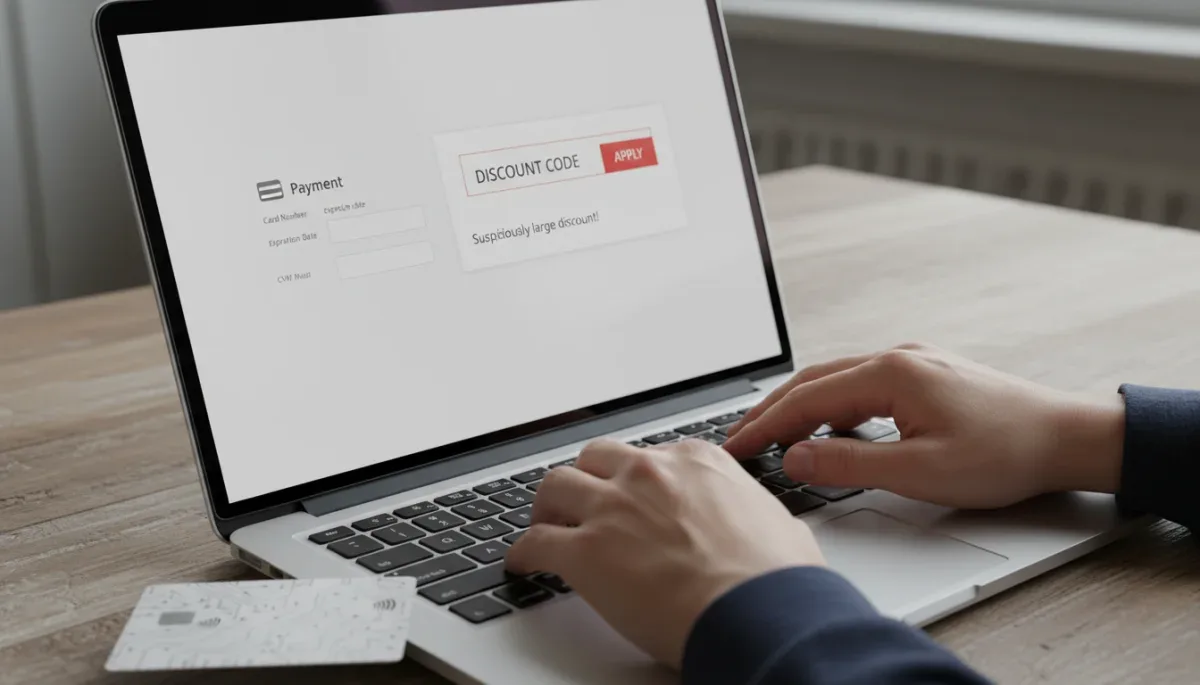
Identifying fake coupon websites requires checking domain authenticity, observing site behavior, and recognizing deceptive discount structures before entering personal information. Legitimate promotional codes originate from official retailer channels or verified partner networks, while fraudulent coupon hubs often serve as gateways for data harvesting, credential theft, and payment diversion.
Ads
This guide helps online shoppers who want to reduce their checkout totals without exposing their payment cards or personal data to unauthorized third parties. The main trade-off is spending a few moments verifying the source of a promotional code rather than relying on automatic aggregator listings or suspicious search engine results.
Ads
How fraudulent coupon hubs operate
Many unauthorized coupon aggregators rely on search engine manipulation to attract consumers who are actively searching for promotional codes. These sites create thousands of automated landing pages targeting specific retailer names paired with terms such as discount code, free shipping voucher, or checkout promo. When a visitor clicks on a code listing, the platform rarely provides a functional, retailer-authorized discount.
Instead, these websites generate revenue through affiliate link hijacking or direct data collection. Some sites configure their buttons to open multiple affiliate redirect links in the background, overriding legitimate affiliate cookies stored in your browser. Others obscure the code entirely, prompting users to submit an email address, complete unrelated consumer surveys, or install intrusive software before revealing an expired or fabricated sequence of characters.
In more severe instances, fraudulent coupon aggregators operate as direct phishing networks. They replicate the visual branding of popular retailers, complete with company logos, fonts, and product photography. When a user clicks to claim an exclusive deal, the page redirects to a cloned storefront designed to capture credit card credentials, home addresses, and account passwords.
Warning signs of deceptive discount platforms
Recognizing deceptive promotional hubs involves spotting common patterns in web design, domain naming, and user interaction. Fraudulent coupon operators rely on urgency and unrealistic offers to bypass a consumer's normal skepticism.
Common technical and visual red flags
- Irregular domain names: Web addresses that contain typos of brand names, extra hyphens, or unusual top-level domains such as .top, .work, or .click instead of standard commercial extensions.
- Mandatory personal information: Portals that demand your phone number, full legal name, or credit card information simply to reveal a text-based coupon code.
- Universal high-value promises: Listings claiming seventy to ninety percent discounts across an entire store inventory, particularly on luxury brands or electronics where retailer profit margins are historically narrow.
- Endless survey loops: Links that lead from one questionnaire to another without ever redirecting to the legitimate retail merchant.
Legitimate promo codes consist of alphanumeric strings entered during standard checkout. An authentic discount provider never asks for payment details or software downloads as a prerequisite to view a code.
Understanding retail checkout phishing schemes
A checkout scam occurs when a fraudulent third party intercepts the final step of an online purchase. These operations frequently target shoppers searching for steep discounts by creating secondary payment windows or fake merchant portals that mimic authentic payment gateways.
In a standard retail checkout scam, the consumer believes they are completing an order on a genuine e-commerce platform. The fraudulent interface might display familiar payment processor logos, such as PayPal, Visa, or Mastercard. However, the browser's address bar reveals that the transaction is being processed on an unencrypted or entirely unrelated domain. Once the card details are submitted, the site often displays a mock error message stating that the transaction failed, prompting the user to try another payment method while the scammers capture the initial card data.
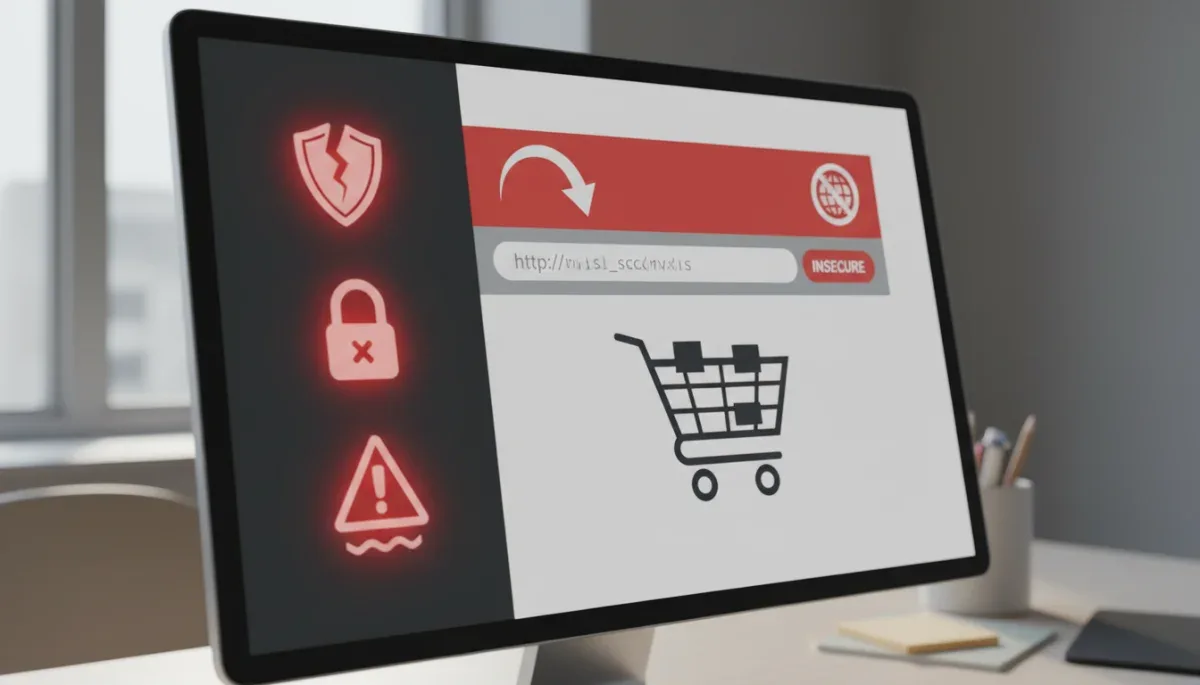
According to guidance published by the Federal Trade Commission (FTC), legitimate commercial websites secure their payment processing steps with Transport Layer Security (TLS) encryption. A missing padlock symbol, a web address starting with unencrypted HTTP instead of HTTPS, or an unexpected redirection to a third-party checkout screen indicates that the payment portal is untrustworthy.
Risks associated with unverified browser extensions
Automated coupon extensions for web browsers are widely used to test discount combinations at checkout. While established browser extensions operate under defined privacy policies and publisher agreements, malicious or abandoned extensions pose significant security risks.
Potential vulnerabilities in coupon extensions
- Data scraping and telemetry: Rogue extensions can record your browsing history, keystrokes, and the contents of form fields across every website you visit.
- Code injection: Malicious scripts can replace genuine retailer checkout links with affiliate links controlled by the extension developer without your consent.
- Adware deployment: Unverified extensions may inject pop-up advertisements, banner overlays, or misleading discount notifications into legitimate shopping pages.
Before installing any extension, verify the developer's credentials on the official browser web store, read recent user reviews, and check the specific system permissions requested by the tool. An extension that requests permission to read and change all your data on all websites requires broader access than one limited to specific shopping platforms.
Steps to verify legitimate retail discounts
Validating promotional offers requires checking primary sources before relying on third-party aggregators. Most major retail brands maintain transparent promotional schedules and direct communication channels for customer incentives.
The most reliable source for active promotional codes is the retailer's own platform. Checking the merchant's homepage banner, official email newsletter, or verified mobile application ensures that the promotion is active and recognized by their checkout system. Furthermore, retailers that operate formal customer loyalty programs typically store available member coupons directly inside the user's account portal.
When using third-party coupon aggregators, verify whether the platform clearly states the expiration date, terms, and exclusions of the coupon. Legitimate deal platforms display user feedback on code validity and provide direct, transparent links to the merchant site without intermediary software installation requirements.
Actions to take if payment details are compromised
If you suspect that you entered sensitive financial data into a fraudulent coupon portal or an unauthorized checkout gateway, taking prompt action limits potential financial damage.
Immediate containment steps
- Contact your financial institution: Inform your bank or credit card issuer immediately to report the unauthorized transaction, cancel the compromised card, and request a replacement.
- Update critical passwords: If you used the same password on the compromised platform as your email or primary retail accounts, change those login credentials immediately and enable multi-factor authentication.
- Document the incident: Capture screenshots of the fraudulent website, the URL, and any confirmation emails received for your records.
- File a formal report: Report fraudulent websites to the FTC at ReportFraud.ftc.gov or through your state attorney general's consumer protection office.
Credit card transactions generally provide stronger statutory fraud protection under federal consumer credit laws than debit cards or direct bank transfers, making credit cards the safer choice when purchasing from unfamiliar merchants.
At a glance
| Factor | What to know |
|---|---|
| Coupon requirement | Legitimate promo codes never require credit card details or software downloads. |
| Checkout URL | Always verify that the payment page uses HTTPS and matches the official store domain. |
| Discount scale | Unrealistic sitewide discounts above seventy percent frequently indicate phishing schemes. |
| Extension permissions | Only install coupon extensions from verified developers with restricted permissions. |
Frequently asked questions
Can a fake coupon website steal my credit card without a purchase?
Yes, if you enter your card details into an unverified form field, data-harvesting scripts can record that information instantly even if you never click submit or complete an order. Never provide payment details solely to unlock a discount code.
Are automated coupon browser extensions safe to use?
Extensions from established, reputable developers are generally safe, but unverified extensions can harvest personal browsing data. Always check the developer history, user ratings, and requested permissions in your browser web store before installing any discount tool.
Why do so many online coupon codes fail to work?
Many aggregator sites list expired, fabricated, or single-use promotional codes to generate web traffic and affiliate revenue. Retailers also place restrictions, minimum order values, and category exclusions on codes that third-party sites fail to display.
What should I do if a checkout page looks different than usual?
Stop the transaction and inspect the URL in your browser address bar to ensure you are on the retailer's official domain. If the domain name differs or lacks HTTPS encryption, close the tab and navigate back directly through the official website.
The bottom line
Protecting yourself from retail checkout scams and fraudulent discount portals requires verifying the source of every promotion before entering payment details. Authentic retailers never demand sensitive financial data, software downloads, or questionnaire completions simply to display a coupon code. Before completing any transaction, always confirm that your browser address bar displays the retailer's official domain name and secure connection indicators.
Written by
Rita Luiza
Rita Luiza writes about clothes for onlyshein.com. Each article explains how things work, compares published details such as prices, policies and program rules, and points readers to the official source before they decide.