
How cash back browser extensions work on retail orders
Ads
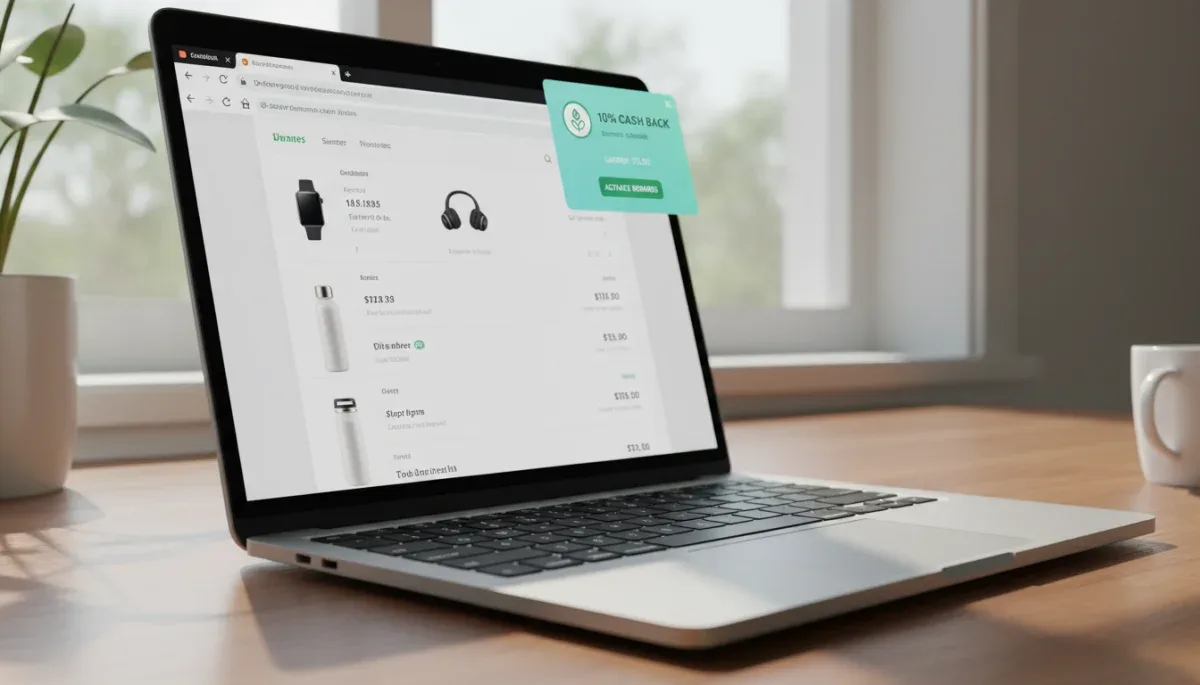
Cash back browser extensions work by routing your purchase through an affiliate marketing link that tracks your shopping trip and rewards you with a portion of the merchant commission. This setup helps regular online shoppers recover a modest percentage of their spending across apparel, electronics, and household orders, though users must wait out return windows before collecting any funds.
Ads
These automated software add-ons detect when you visit a participating retail website, prompt you to activate an eligible rebate rate, and log your transaction details through secure data cookies. Understanding how these tools generate revenue, handle tracking parameters, and manage payout schedules ensures you avoid common configuration errors that prevent rebates from posting to your balance.
Ads
The affiliate business model behind shopping add-ons
To understand how cash back browser extensions operate, it helps to examine affiliate marketing. Online retailers allocate dedicated marketing budgets to acquire customers. When a shopper arrives at an online store through a promotional partner and completes an eligible order, the retailer pays that partner a negotiated commission based on the subtotal. Affiliate networks manage these relationships by generating distinct tracking links that verify which publisher referred the sale.
Traditional coupon websites keep the entire commission paid by the merchant as business revenue. Cash back platforms use a rebate sharing model instead, returning a substantial share of that merchant payout directly to the shopper. For example, if a clothing retailer offers an 8 percent referral commission to the platform, the platform might give 4 percent back to you as cash while retaining the remaining 4 percent to fund customer support, platform maintenance, and company operations.
Because the retailer pays this commission directly to the affiliate company, shoppers do not pay extra fees or inflated item prices to use these extensions. The cash back reward is calculated strictly on the qualifying merchandise total before applicable sales tax, shipping fees, delivery surcharges, and non-qualifying store credits are factored into the invoice.
Core components of the affiliate cash back model
- Merchant marketing budgets: Retailers treat affiliate commissions as an acquisition cost rather than an operational discount.
- Affiliate networks: Third-party tracking exchanges record order timestamps, transaction values, and partner IDs.
- Revenue split structure: The extension provider divides the affiliate bounty between their business and the shopper account.
- Subtotal calculation rules: Rebates apply only to net item prices after promo codes and before freight or taxes.
How browser extensions track and confirm your purchase
When you install a cash back add-on into your web browser, the extension monitors your active URL against a local database of affiliated merchant domains. When a match occurs, the software opens a notification bar or drop-down prompt alerting you that cash back is available. Clicking this activation button refreshes your shopping session through the provider tracking link.

This redirection inserts a tracking cookie into your browser storage containing a unique identifier known as an affiliate click ID. When you finish checking out, the merchant shopping cart records this click ID alongside your order confirmation number and forwards the transaction data to the affiliate network. The network verifies that the referral originated from that active session and notifies your extension account of a pending reward.
For tracking to succeed without errors, your web browser must allow third-party cookies and retain session data throughout the checkout process. If you open a new private browsing tab, switch to a mobile app halfway through payment, or click on an alternate promotional banner, the initial tracking cookie can be overwritten or severed, which sends the commission to another marketing channel instead.
Key steps in digital order tracking
- Domain matching:1 The extension identifies supported merchant web addresses in real time.
- Session initialization: Clicking activate generates a specialized tracking link and affiliate click ID.
- Cookie placement: A temporary data token is saved in browser storage to link your account to the cart.
- Order reporting: The merchant server sends the purchase subtotal and click ID back to the affiliate network.
Payout thresholds, payout schedules, and reward methods
Earning cash back is rarely an instantaneous process because merchants must account for returns, exchanges, and potential payment disputes. When an order is placed, the cash back amount displays in your account dashboard under a pending status. The retailer holds the commission payment until their standard return and exchange window closes, which commonly ranges between 30 and 90 days depending on store policy.
Once the return deadline passes and the merchant formally validates that the merchandise was kept, the pending balance converts into payable funds. Every cash back provider establishes its own minimum balance thresholds and payout frequency rules. Some services disburse payments on fixed quarterly dates regardless of accumulated balances, while others allow on-demand transfers once you reach a minimum threshold, often set between five and ten dollars.
Disbursement options vary across platforms but consistently focus on secure consumer payment methods. Users can link an external payment account to receive their funds, or they can convert eligible earnings into digital merchant credits if preferred.
Standard disbursement channels for accumulated cash
- Direct bank deposits: Electronic automated clearing house transfers delivered straight to checking accounts.
- Digital payment processors: Fast account-to-account balance transfers via services like PayPal.
- Physical checks: Paper checks mailed to your billing address on predetermined quarterly payout schedules.
- Digital merchant gift cards: Electronic store credits that sometimes include small balance bonuses.
Common reasons cash back fails to track or get approved
Online shoppers occasionally find that their cash back balance does not reflect a recent order. In most cases, these discrepancies happen due to technical interference from other browser tools or policy exclusions listed in the merchant terms of service. Knowing these failure points allows you to adjust your shopping workflow to protect your earnings.
Ad-blocking software and aggressive privacy filters are the most frequent cause of tracking failures. These privacy extensions are designed to block tracking scripts and external analytics beacons, which inadvertently disables the exact affiliate cookies needed to document your cash back referral. Whitelisting your cash back provider or disabling ad blockers during active purchases resolves this issue.
Merchant exclusions also disqualify specific product lines from receiving referral rewards. Retailers frequently exclude gift card purchases, bulk commercial orders, specific electronics releases, or shipping fees from cash back eligibility. Additionally, entering an unauthorized coupon code found on an external forum can reassign the referral commission to the coupon publisher, voiding the extension cash back guarantee.
Frequent causes of missing or reversed cash back
- Active ad-blocking utilities: Scripts that terminate tracking pixels prevent the order from linking to your profile.
- Third-party coupon codes: Unapproved promotional codes can cancel the cash back attribution at checkout.
- Ineligible product categories: Gift cards, warranties, and bulk commercial orders are routinely excluded.
- Merchandise returns: Returning part or all of an order prompts the retailer to reverse the commission.
Data privacy and security considerations for online shoppers
Because browser add-ons require specific system permissions to monitor web activity, privacy-conscious consumers should understand what information these extensions collect. To recognize eligible stores and apply automated coupons, the software must read the URL of every page you visit. Reputable cash back platforms state in their published privacy policies that they only store data related to commercial transactions and affiliated domains.
Standard data collection includes your browsing navigation across retail partner sites, order confirmation totals, general device specifications, and IP address locations. This information is used to confirm transaction validity, detect fraudulent automated activity, and provide personalized discount recommendations based on previous store visits.
To balance shopping savings with personal digital privacy, install extensions developed only by well-established, transparent companies with clear privacy documentation. Reviewing browser extension permissions in your settings menu and avoiding unnecessary add-ons minimizes background data collection while keeping your primary payment accounts secure.
Practical privacy practices for shopping extensions
- Review official permissions: Check the explicit read and write access requested by the extension during installation.
- Read data usage statements: Confirm on the provider official website that personal identifiable data is not sold.
- Use dedicated shopping profiles: Run extensions inside a dedicated browser profile used exclusively for retail orders.
- Audit installed tools: Periodically remove inactive or obsolete browser extensions from your toolbar.
At a glance
| Factor | What to know |
|---|---|
| Revenue source | Retailers pay an affiliate commission for referrals, which the platform shares with you. |
| Activation rule | You must click the extension activation prompt before finalizing items in your cart. |
| Approval delay | Earnings remain pending for 30 to 90 days to verify you do not return the merchandise. |
| Tracking limits | Ad blockers, external coupon codes, and private browser tabs can break tracking connections. |
Frequently asked questions
Do cash back browser extensions cost money to use?
Cash back browser extensions are completely free to install and use for online shopping. The platforms generate operational revenue by retaining a portion of the merchant affiliate commission, meaning they never charge subscription costs, membership fees, or deduction surcharges to consumer balances.
Can I combine cash back extensions with promo codes?
You can combine cash back with promotional codes listed directly within the official extension interface. Using external codes from third-party websites or physical mailers may overwrite the affiliate tracking cookie, which invalidates your cash back eligibility for that order.
Why does my cash back stay in pending status?
Cash back remains pending while the retailer waits for its official product return window to expire. Once the merchant confirms that the order was delivered and not returned or refunded, they release the commission funds to your payable account balance.
Can I use multiple cash back extensions at the same time?
You cannot use multiple extensions on the same purchase because only one affiliate link can claim credit for an order. The final extension or tracking link clicked before checkout receives the entire commission, overriding any earlier add-ons activated during that session.
The bottom line
Cash back browser extensions offer an accessible way to recoup a portion of your everyday retail spending by sharing affiliate marketing commissions paid by participating merchants. While these tools streamline savings through automatic tracking and automated rebate balance updates, their reliability depends on uninterrupted cookie sessions and strict adherence to store guidelines. Before placing an important retail order, always check the specific merchant exclusion terms and disable conflicting ad blockers to ensure your purchase tracks successfully.
Written by
Rita Luiza
Rita Luiza writes about clothes for onlyshein.com. Each article explains how things work, compares published details such as prices, policies and program rules, and points readers to the official source before they decide.